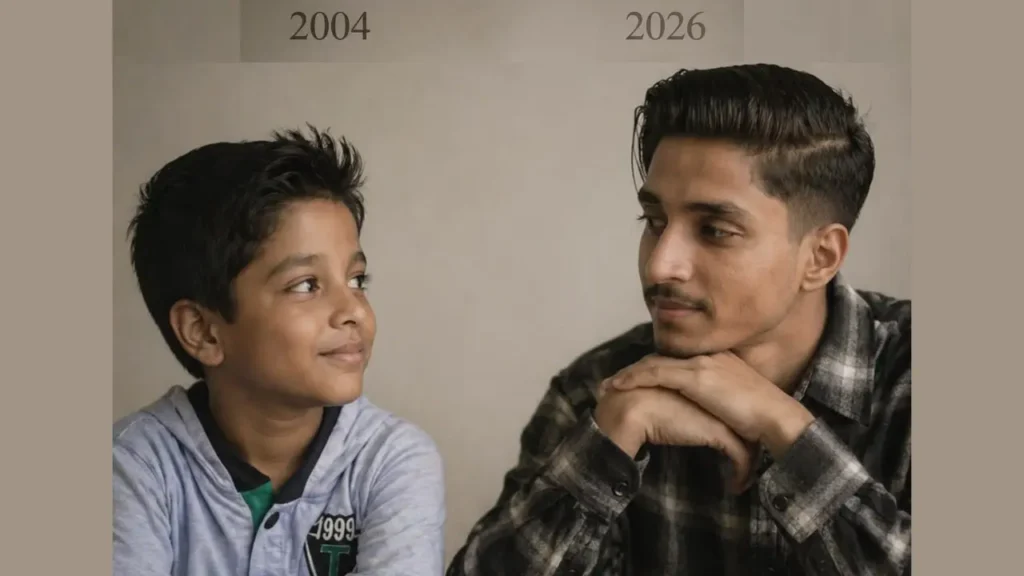
AI photo editing has become one of the biggest visual trends online, especially among boys who want sharper, cleaner, more cinematic profile pictures from old or low-quality photos. The idea sounds simple: take a blurry or low-resolution image and turn it into something that looks ultra-detailed, polished, and “8K.” But in real use, AI enhancement is not just about making a picture bigger. It usually combines upscaling, detail reconstruction, denoising, sharpening, and prompt-based styling to improve how the image looks. Adobe explains image upscaling through resampling and Super Resolution features, while modern AI imaging systems from OpenAI and Google show how prompts and image-based editing can guide visual output.
This guide explains how bad-quality-to-8K style AI editing works, what kind of results are realistic, which tools are commonly used, and how boys can write stronger prompts when using their own photo for AI enhancement. The goal here is not to make fake claims about “restoring everything perfectly,” but to help you create much better-looking results using real, source-backed techniques. Research on ESRGAN and Real-ESRGAN also shows that modern super-resolution models can generate sharper textures and more realistic visual detail than older methods, though the output still depends heavily on the input image quality.
How AI Photo Enhancement Works With Prompts
Modern AI image systems can work in two major ways. One is enhancement or upscaling, where the system improves an existing image. The second is prompt-guided image generation or editing, where text instructions help shape the final output. OpenAI’s official image generation documentation states that its API can generate and edit images from text prompts, and OpenAI also explains that uploaded images can be transformed or used as visual inspiration in image workflows.
Google’s prompt design guidance also makes it clear that prompt writing is iterative and that clearer, more specific instructions produce higher-quality responses. Applied to photo editing, that means a prompt like “make it HD” is weak, but a prompt that describes facial sharpness, skin texture, lighting, background blur, camera realism, and high-detail output gives the AI much stronger direction.
Why Detailed Prompts Give Better Results
Prompt quality shapes output quality. Google’s official prompt design guide says prompt engineering is iterative and that you should refine prompts based on results. OpenAI’s image guidance also centers image creation and editing around prompt descriptions. That same logic applies directly here: strong prompts help the AI understand the look you want instead of leaving too much open to interpretation.
For example, if you only ask for “8K boy photo,” the result may be generic. But if you specify “sharp facial details, natural skin texture, realistic hair strands, cinematic side lighting, DSLR portrait, clean blurred background, ultra-detailed high-resolution output,” the system has a much clearer target. The prompt does not guarantee perfection, but it sharply improves control.
Convert Bad Quality Picture to Ultra 8K AI Prompt for Boys
Here is a general-purpose prompt for boys using their own low-quality photo as a reference image:
Prompt: Transform the source image by applying a dramatic, warm cinematic aesthetic typical of high-end music videos. Crucially, the lighting must feature a strong, warm backlight (rim light) originating from behind the subject, creating a glowing golden halo on their hair and shoulders that separates them from the background, while also ensuring ample, soft frontal light on the subject’s face so that facial features are clearly and evenly illuminated. The overall atmosphere should be emotional and moody with a shallow depth of field (blurred background), dominated by rich amber, gold, and deep shadow tones, precisely maintaining the original subject’s facial features, pose, outfits, background, and gender 100% accurate. Perform a realistic upscale, bringing the subject into extremely sharp focus with enhanced skin texture and detail, styled as bright daytime photography with natural outdoor ambient light retained in the scene and sufficient key light on the face for a well-exposed portrait.
Where You Can Use These AI-Enhanced 8K Boy Photos
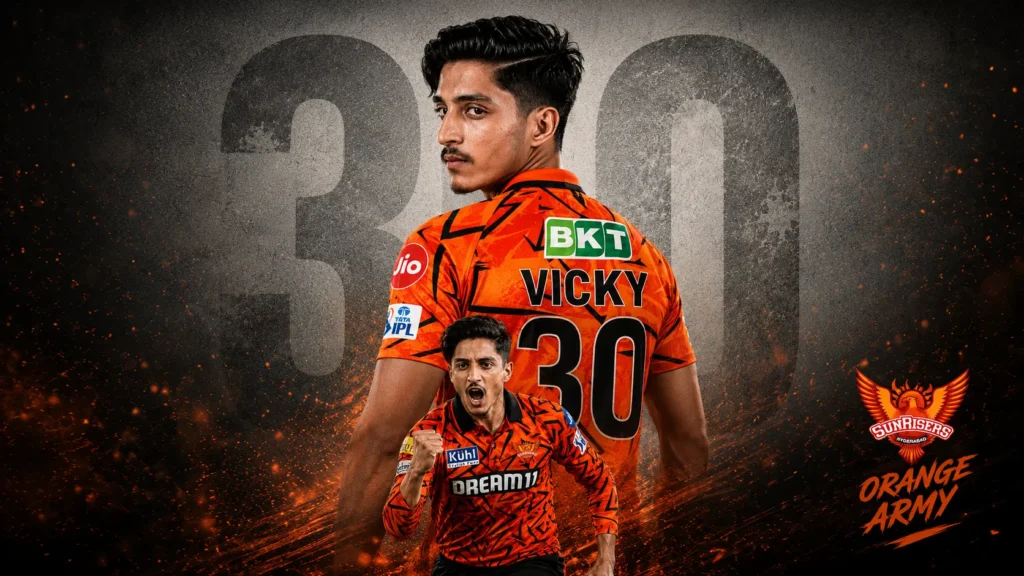
These images are commonly used as Instagram profile pictures, WhatsApp DPs, YouTube channel visuals, thumbnails, fan edits, posters, and short-form video covers. OpenAI’s image generation materials position image tools as a practical way to produce refined visual assets quickly, and that lines up with how users are actually using this kind of content online.
For social use, the final image does not need to be scientifically perfect. It just needs to look clean, realistic, and visually strong. That is why this trend keeps growing.
Final Take
The real appeal of this trend is not just “8K.” It is the idea of turning an ordinary or bad-quality photo into something that feels more premium, stylish, and share-worthy. The tech behind it is real: AI upscaling, super-resolution, denoising, and prompt-guided editing all exist and are improving fast. But the smartest way to talk about it in 2026 is with honesty. AI can dramatically improve a weak photo, but it still works best when the source image has at least some usable detail, and the final output is often a mix of restoration and reconstruction rather than perfect recovery. Adobe’s enhancement tools, OpenAI’s image editing systems, Google’s prompt guidance, and super-resolution research all point in the same direction: better inputs and better prompts lead to better results