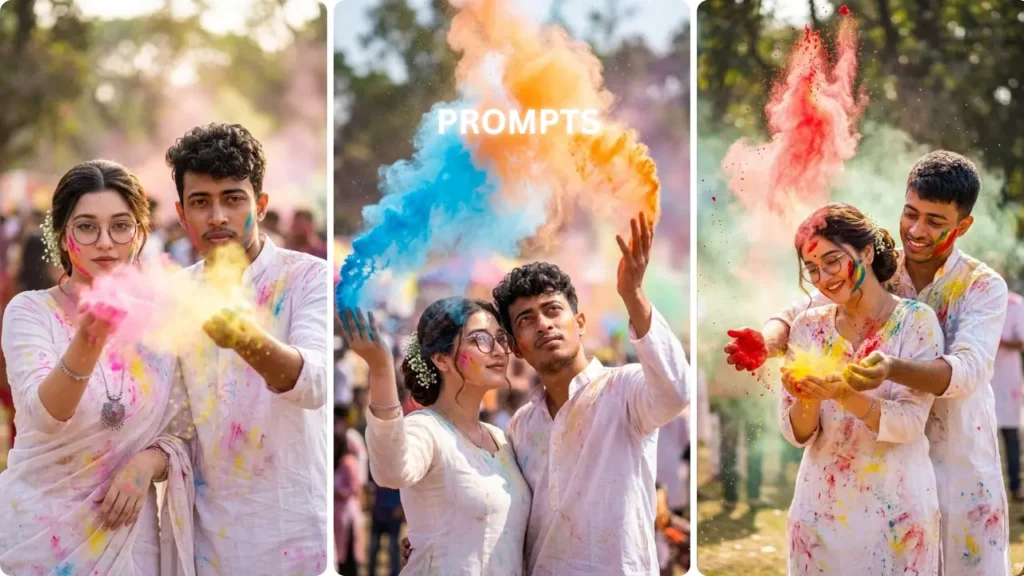
The AI photo editing space has moved way beyond simple filters. In 2026, one trend is dominating timelines — Old to Future Transformation.
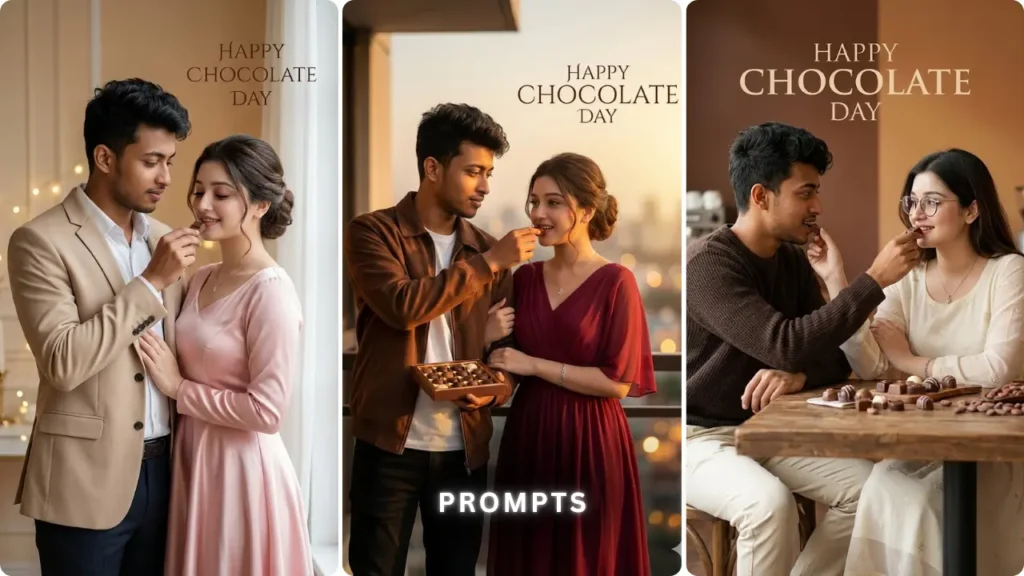
From childhood photos turning into billionaire versions… to normal selfies evolving into cinematic future characters — creators are using tools like Google Gemini to generate visuals that feel almost… unreal.
And yeah, the crazy part?
Most of these viral images are just well-written prompts.
So if you’re trying to create those scroll-stopping, hyper-realistic future edits — this guide gives you everything: prompts, method, and the logic behind what actually works.
What is Old to Future AI Photo Transformation?
It’s basically a before → after storytelling format powered by AI.
You upload:
- An old photo (childhood / past version)
And AI converts it into:
- Future self (successful, aged, futuristic, rich lifestyle, etc.)
This works because modern AI tools can:
- Maintain face identity
- Add realistic aging
- Generate cinematic environments
- Simulate real camera effects
How to Create Old to Future AI Photos (Step-by-Step)
Step 1: Upload Your Base Image
Pick a clean photo:
- Face visible
- Good lighting
- Minimal blur
Step 2: Choose a Future Concept
Decide what kind of future:
- Rich / successful
- Old age realistic
- Futuristic sci-fi
- Celebrity version
Step 3: Use a Detailed Prompt
This is where most people mess up.
Bad prompt = average image
Detailed prompt = viral image
Step 4: Use Cinematic Settings
Always include:
- 4K / HDR
- shallow depth of field
- golden hour / dramatic lighting
Viral AI Prompts for Old to Future Transformation (2026)
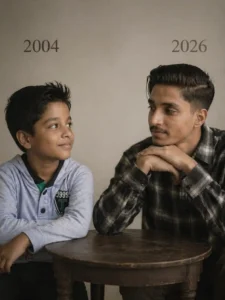
Prompt: Using the images I’m going to upload to create a soft, emotional, art Let the formation be as follows :327On the left: a child version of me (from a childhood photo) looking with an innocent smile to the right, with 2004 written above it.On the riaht: A present version of me (from a recent photo) sits with her hands under her chin and looks at the child with a calm smile with “2026” written above herIn the middle: a table with a simple,.Studio backaround: plain and soft (studio background)The lighting: Soft, cinematic, warm (even a black-and-white photo).Stvle: Professional. minimal, emotiona photography, focusing on feelings and visua communication between the two versions.Make the picture look so real like a real photoshoot.Keep mv oriainal features without changing.photo size 3:4
Final Take
The Old to Future transformation trend isn’t just another editing style — it’s becoming a new way of visualizing life journeys through AI.
With tools like Google Gemini, anyone can turn a simple photo into a cinematic future story.
So don’t just generate images —
build a narrative, experiment with prompts, and create visuals that actually make people stop scrolling.