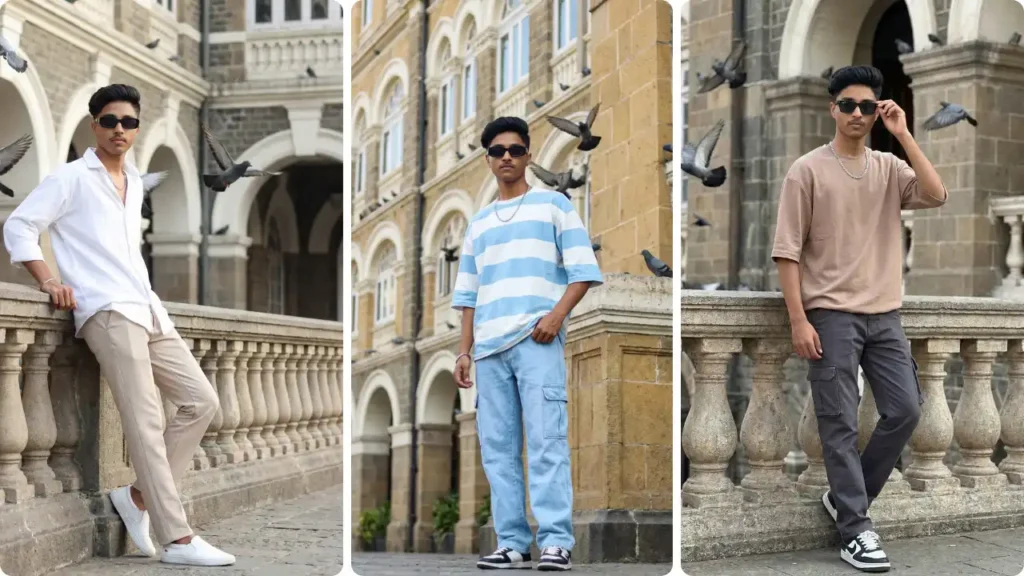
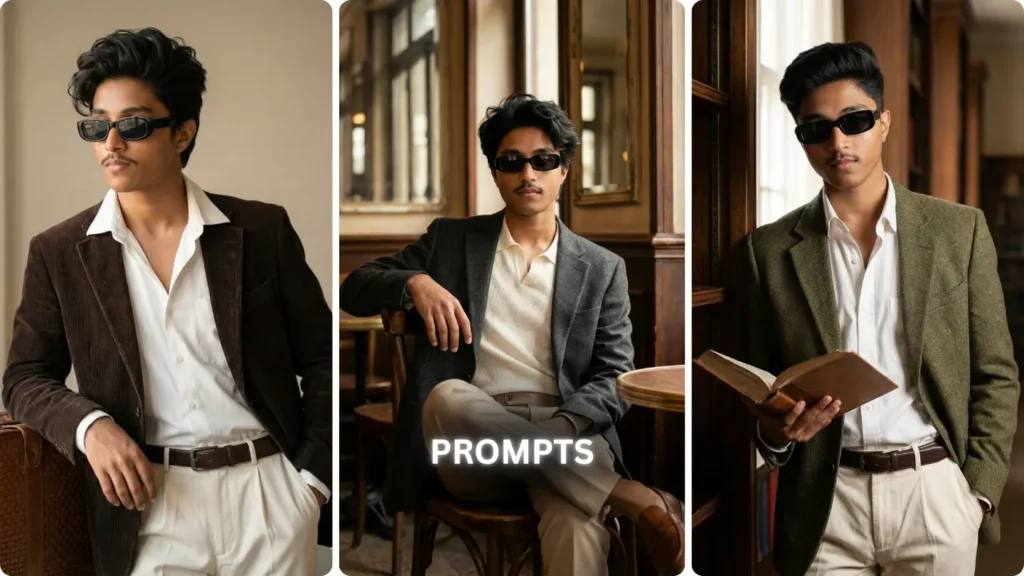
The AI photo editing trend has officially taken over bike culture — and the Royal Enfield Continental GT 650 is right at the center of it.
From Instagram reels to YouTube thumbnails, creators are turning this cafe racer into a cinematic machine using tools like Google Gemini. The result? Hyper-realistic edits that look straight out of a DSLR shoot.
If you want to create bold, aesthetic, and attitude-filled bike visuals, this guide gives you the exact prompts and techniques to make your GT650 edits stand out in 2026.
Why Royal Enfield GT650 Is Perfect for AI Photo Editing
Cafe Racer Design That Looks Premium
The GT650 carries a retro-modern cafe racer design — low handlebars, sculpted tank, and aggressive stance. These details help AI tools generate clean, sharp, and premium visuals.
Chrome + Matte Textures
The mix of chrome finish and matte paint creates strong light reflections, which AI tools use to produce realistic highlights and shadows.
Youth + Attitude Factor
Let’s be real — this bike already has that “main character energy.” When combined with AI, it turns into a full cinematic experience.
Royal Enfield GT650 AI Photo Editing Prompts For Boys

Prompt: Create hyper-realistic shot on iPhone 15 Pro Max camera, This subject is riding a Chrome Royal Enfield GT650 motorcycle in dark rainy day, torso slightly leaned forward, Looking off to the road with a calm, relaxed expression. Face looks: Hairstyle quiff-style tousled mid-length black hair with light mustache outfit:oversized black shirt slightly unbuttoned from top with loose blue baggy-fit jeans, and clean wnite sneakers. A metal wrist watch on hand, rectangular black sunglasses The motorcycle branding royal Enfield is clearly visible on the tank, with realistic metallic reflections and engine details. Shot at slight side angle with natural smartphone perspective, sharp but realistic focus, slight grain, balanced exposure, true-to-life colors. Real skin texture with visible pores, no smoothing, no filters, no cinematic grading, authentic iPhone camera look.
How to Create GT650 AI Photos Using Google Gemini
Step-by-Step Process
- Open Google Gemini
- Select “Create Image”
- Paste any prompt above
- Choose:
- 4K resolution
- Cinematic lighting
- Click Generate
Pro Tip
- Upload your own photo for hyper-personalised results
- Pro Tips for Realistic Bike AI Edits
- Use Proper Lighting Keywords
- Always include:
- Golden hour
- HDR
- cinematic lighting
- Focus on Camera Angles
- Low angle = power
- Wide angle = scale
- Close-up = detail
- Add Motion & Environment
- Dust, rain, fog
- Crowd or empty road
- Background blur
Final Take
The Royal Enfield GT650 2026 AI editing trend isn’t just about making cool images — it’s about creating a visual identity.
With the right prompts, lighting, and angles, you can turn a simple bike shot into a cinematic masterpiece. So experiment, refine your style, and build visuals that don’t just look good — they hit different.