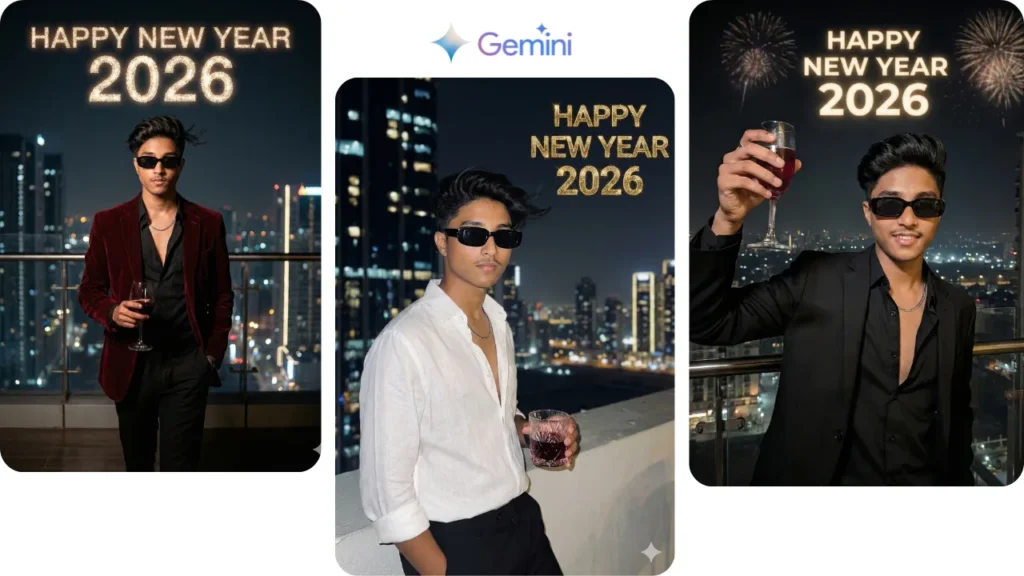
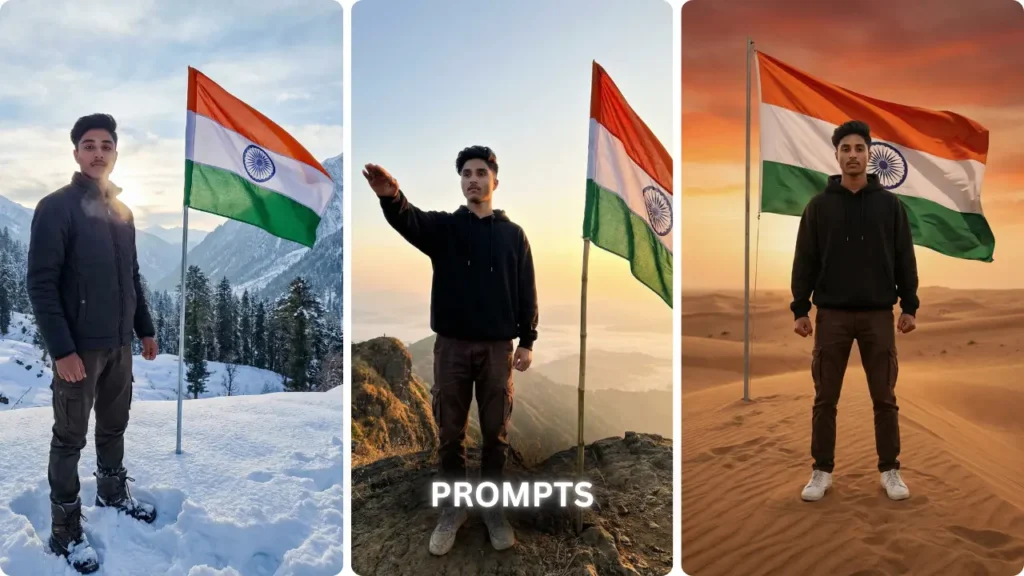
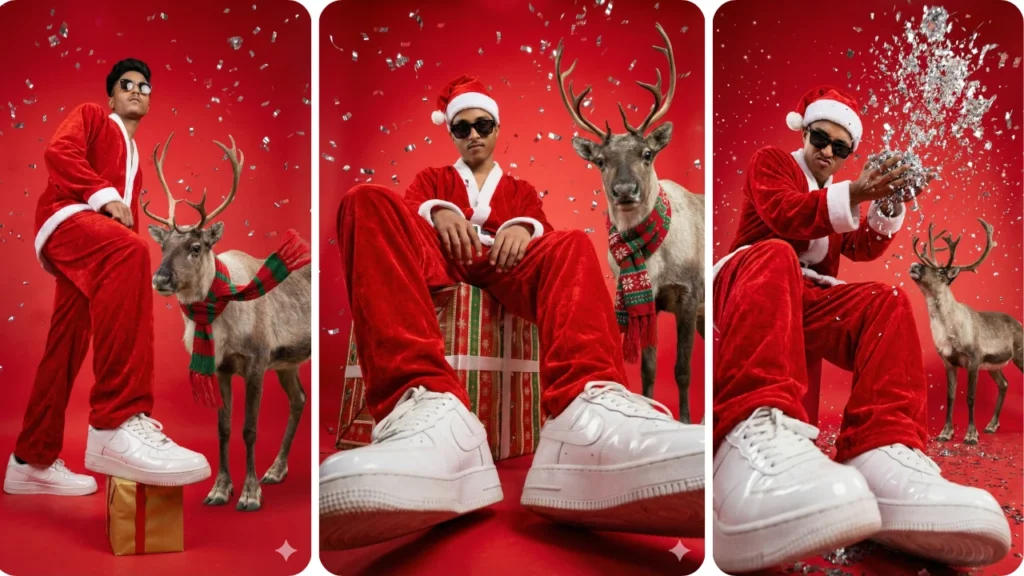
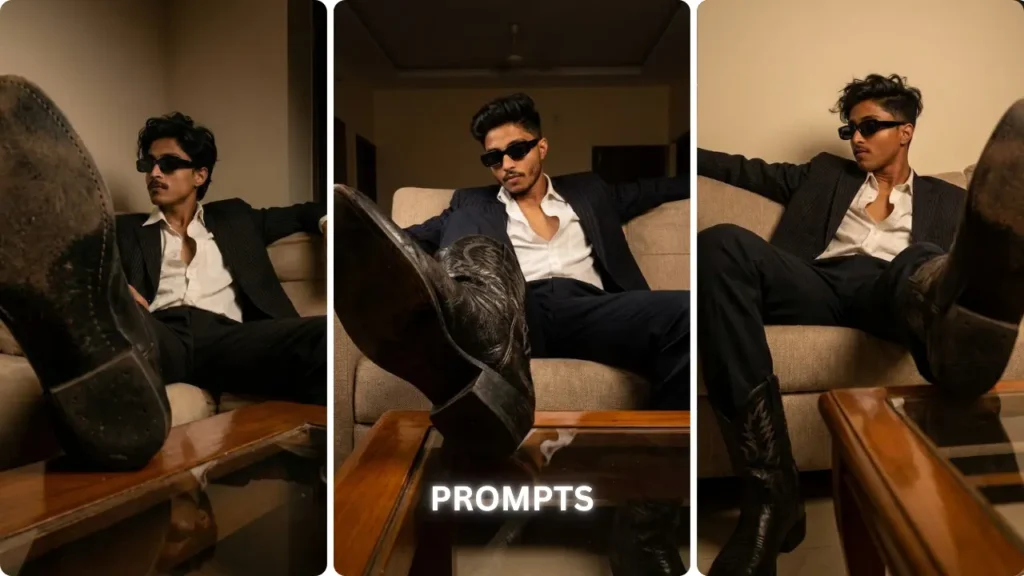
I first came across this editing style while scrolling Instagram Reels — that dramatic dark midnight look where the subject glows against a deep blue-black sky with stars, a strong rim light outlining the hair and body, and flash photography contrast that makes the whole thing feel like a Bollywood music video still. I had seen similar prompts before but none of them gave me what I actually wanted. So I refined one over multiple attempts — tested different versions, changed specific lines, removed what was causing problems — until I landed on this final version. The result in ChatGPT was genuinely impressive. I think anyone who has an outdoor photo taken during sunset or golden hour should try this at least once.
What Is Cinematic Night Edit and Why Is It Viral in 2026
Cinematic night edit is one of the most consistently trending AI photo styles on Instagram Reels in 2026. The style takes a normal daylight or sunset photo and converts it into a dramatic midnight scene — deep black-blue sky, visible soft stars, a strong backlight glowing around the subject, heavy contrast shadows, film grain, and lens flare that makes the entire image feel like it came out of a professional camera.
The reason this works so well, especially for Indian creators, is the combination of elements. A person in ethnic wear like a saree standing in an outdoor field or natural setting, surrounded by trees — when converted into a dark cinematic night atmosphere, the result feels culturally rooted but visually cinematic. The fabric catches the glow. The natural surroundings become silhouetted and moody. The final image is emotional, dramatic, and instantly shareable.
For boys, the same style works equally well with casual or traditional outfits. A person standing outdoors with trees or a field in the background — the dark sky, rim glow, and flash effect create a completely different character to the photo without changing the pose, framing, or person at all.
Flash photography aesthetic is a big part of why this trend is viral. High contrast, strong shadows, a slightly overexposed subject against a very dark background — it looks like a professional photographer caught a real moment at night with a powerful camera flash. That rawness combined with cinematic color grading is exactly what stops people mid-scroll.
The Full Cinematic Night Edit Prompt — Copy and Paste Ready
This is the refined version after multiple attempts. Use it in ChatGPT with GPT-4o image mode or in Google Gemini:
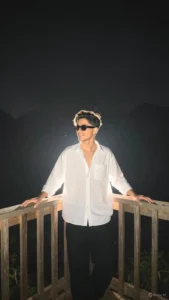
Use the uploaded image as the base image. Strictly preserve the original person, face, hairstyle, pose, outfit, framing, camera angle, and exact composition — 100% face match, no structural or proportional changes. Maintain the exact original aspect ratio and framing — no cropping, no zooming, no resizing, no stretching. Enhance to ultra-high resolution (8K quality) with refined micro-sharpness and realistic skin texture detail. Keep natural daylight exposure — do NOT darken the image. Preserve original brightness, white balance, and color accuracy. Apply a strong professional DSLR shallow depth of field effect (simulating f/1.2-f/1.4 aperture). Create very strong, creamy, smooth background bokeh with heavy optical lens blur. Background must be significantly blurred while the subject remains tack sharp. Ensure clear subject separation with natural depth falloff. Blur intensity should be high and clearly noticeable, but edges of the subject must remain clean and unaffected. Maintain natural lighting, soft highlights, balanced contrast, realistic skin tones with subtle glow, clean color grading, and natural exposure. Avoid dark cinematic tones. Ultra-realistic, photorealistic, extremely detailed, strong background blur, subject razor sharp — no new elements, no pose change, no object removal, no text, no watermark.
Note: If the subject is wearing a coloured outfit like a pink saree, add this line to the prompt — “Make the outfit slightly brighter [colour] with detailed fabric texture” — so the colour stays visible against the dark background.
Why Every Line in This Prompt Is Written This Way
“Same pose, same background, same framing, same person”
Without this instruction, AI tools change the composition. They reframe the shot, zoom in on the face, or shift the subject position. This line locks everything exactly as it was in the original photo. This is the most important line in the entire prompt.
“Deep black-blue sky and visible soft stars”
Instead of just saying “night sky,” this gives the AI a specific color direction. Black-blue is the difference between a natural midnight sky and a flat dark grey background that looks like a filter was just draped over the image. Soft stars add atmosphere without making it look like a galaxy wallpaper.
“Strong glowing backlight creating a bright white outline”
This is the defining visual element of the viral cinematic flash edit style. The backlight creates a rim glow or halo effect around the subject — outlining the hair, shoulders, and body. It separates the subject from the background, adds depth, and makes the whole composition feel professional and dramatic. Without specifying this explicitly, the AI skips it entirely.
“Flash photography effect with subtle lens flare and film grain”
These three elements together create what feels like a real photograph taken at night by a professional. Flash creates harsh direct light on the subject. Lens flare adds authenticity because real camera lenses produce this at night. Film grain makes the entire edit feel organic rather than digitally generated — like a scan of a real negative rather than an AI output.
“Volumetric light rays from above”
This creates the effect of divine or atmospheric light descending on the subject — often called God rays. Combined with the backlight rim glow, it makes the subject look like they are standing in a genuinely cinematic moment. It also softens the overall edit so it does not look too harsh.
“9:16 portrait ratio”
Crucial for Instagram Reels. Without this, the AI generates a 1:1 square or landscape crop that has to be resized manually, which reduces quality. Specifying the ratio means the output is Reels-ready the moment you download it.
How to Use This Prompt Step by Step
Step 1 — Choose the right input photo
The ideal photo is taken outdoors — in a field, near trees, on a terrace, or in any open-air location — during sunset or golden hour. The warm tones in a sunset background make the contrast shift to midnight far more dramatic and natural-looking. Light-coloured or bright outfits work best because they catch the glow effect visibly.
For boys — a photo standing outdoors in any outfit works well. Kurta, jacket, or even a plain shirt. The night atmosphere and rim glow transform the mood regardless of clothing.
Step 2 — Open ChatGPT in the correct mode
Open ChatGPT and make sure you are in GPT-4o mode with image generation enabled. This is important — the standard text mode cannot process or edit images. If you are on the free plan, GPT-4o image generation is available with daily limits. Use a high-quality, well-lit input photo so the generation uses the limit on a good result.
Step 3 — Upload the photo first, then paste the prompt
In GPT-4o, the image upload and the text prompt go together in the same message. Upload your photo, paste the complete prompt, and send. Do not shorten the prompt. Every sentence removes a specific failure point.
Step 4 — Check the result against these five points
When the output comes, verify: Is the face the same person? Is the pose and framing unchanged? Is the backlight glow visible and clean around the hair and body outline? Does the sky look like a real midnight atmosphere or a fake overlay? Is the outfit color still visible and not absorbed into the shadows?
Step 5 — Refine if something is off
If the glow is too strong and looks unnatural, add “subtle edge glow, not overexposed” to your next attempt. If the face changed slightly, add “100% face match, preserve original facial features exactly.” If the background looks like a digital overlay, add “natural night atmosphere, realistic seamless scene transition.”
ChatGPT vs Gemini — Which Tool Works Better for This Prompt
Both tools handle this prompt but in slightly different ways.
ChatGPT with GPT-4o gave stronger results in terms of backlight glow quality and flash photography contrast. The rim light around the subject was cleaner, the stars looked more natural, and the overall transition from daylight to midnight felt more seamless.
Google Gemini was faster and sometimes handled the outfit color better — keeping the original fabric tone more vivid against the dark background. However, the edge separation around hair was occasionally less precise.
The recommendation is to start with ChatGPT. If you do not have access to GPT-4o image mode, Gemini is a solid second option that works well for most outdoor photos.
Which Photos Give the Best Results
Best input photos: An outdoor photo taken during daylight or golden hour. The subject should be clearly visible and separated from the background. Natural backgrounds — open fields, trees, a hillside, a street — create the most dramatic night transformation because the environment becomes silhouetted beautifully. Photos where the subject takes up a significant portion of the frame work best.
Avoid: Very dark or low-light original photos. Heavily filtered photos where the original colors are already altered. Group photos where multiple people are in close proximity. Blurry or low-resolution input photos — the AI enhances what is already there, it cannot reconstruct a bad source image.
One tip that makes a difference: Photos taken in the early morning or late afternoon — when the sky still has some color and texture — produce a significantly more dramatic midnight conversion than photos taken in harsh midday sun.
Where to Use Your Cinematic Night Edit
Instagram Reels Cover — A cinematic night portrait with rim glow and dramatic dark exposure is exactly the kind of image that performs well as a Reels cover thumbnail. It creates curiosity and visual contrast in a feed full of bright daylight photos.
Instagram Grid and DP — The dark moody aesthetic stands out immediately against standard grid posts. One cinematic night edit in a feed of regular photos draws the eye instantly.
WhatsApp DP — The high contrast and subject sharpness make your face immediately recognizable even at a small display size. The moody dark background makes it look intentional and distinctive.
YouTube Thumbnails — A dark background with a sharp, glowing subject naturally pulls the viewer’s attention to the face. This is exactly the visual logic professional creators use for cinematic thumbnail design.
Pinterest — Cinematic night portraits with visible stars, rim glow, and dramatic lighting consistently perform well as saves and repins because they look aspirational and visually complete.
Common Mistakes to Avoid
Using a dark photo as the input. The prompt is designed to convert a lit, visible photo into a night atmosphere — not to rescue an already underexposed image. Start with a bright, clear photo.
Shortening the prompt. Every line in this prompt removes one specific failure mode. Remove a line and that failure comes back. Use it exactly as written and add to it if needed — do not subtract.
Not checking the edges around the subject. After the result generates, zoom into the hair and shoulders. If the edges look jagged or there is a weird unnatural glow bleed, the AI did not separate the subject cleanly from the background. Try again with a photo that has more visual contrast between the subject and what is behind them.
Applying additional heavy filters on top of the result. The output of this prompt is designed to be complete as a standalone edit. Adding another Instagram filter or heavy color grade on top makes it look over-processed and kills the cinematic naturalness.
Frequently Asked Questions
Does this prompt work for boys and men?
Yes. The prompt has no gender specificity — it preserves the original subject, pose, framing, and outfit exactly as they are. The night atmosphere, rim glow, and flash effect work equally well regardless of gender or outfit.
Can I use any outdoor photo or does it have to be a sunset photo?
Any outdoor photo works. Sunset or golden hour photos give the most dramatic midnight conversion because the warm-to-dark shift creates more contrast. But a regular daytime outdoor photo also works very well.
Will the face change after the edit?
The prompt instructs the AI to preserve the original subject, pose, and composition. In most cases the face stays accurate. If there is a change, add “100% face match, preserve original facial features exactly” to the prompt for the next attempt.
Does this work in the free version of ChatGPT?
GPT-4o image generation is available on the free plan with daily limits. The paid plan gives more generations per day. Google Gemini offers image editing on the free tier as well.
Can I use this for a group photo?
The prompt works best for solo portraits. With multiple people, the AI sometimes struggles to apply the rim glow and flash effect consistently across all subjects while keeping everyone accurately preserved.
Final Thoughts
I came across this editing style while scrolling through Instagram Reels and decided to try building a proper prompt for it. My first two or three versions had problems — the glow was too aggressive, the background looked like a fake overlay pasted behind the subject, or the face would shift slightly from the original. I kept refining specific lines until I had something that actually worked the way I wanted it to.
The result I got in ChatGPT using this final version was significantly better than anything the earlier attempts produced. The midnight sky felt real. The rim glow around the subject was clean and dramatic without looking artificial. The overall image had that cinematic quality that makes these Reels edits genuinely scroll-stopping.
If you have an outdoor photo and you have never tried this style before, I think you will be genuinely impressed by what comes out. Try it once and see for yourself.