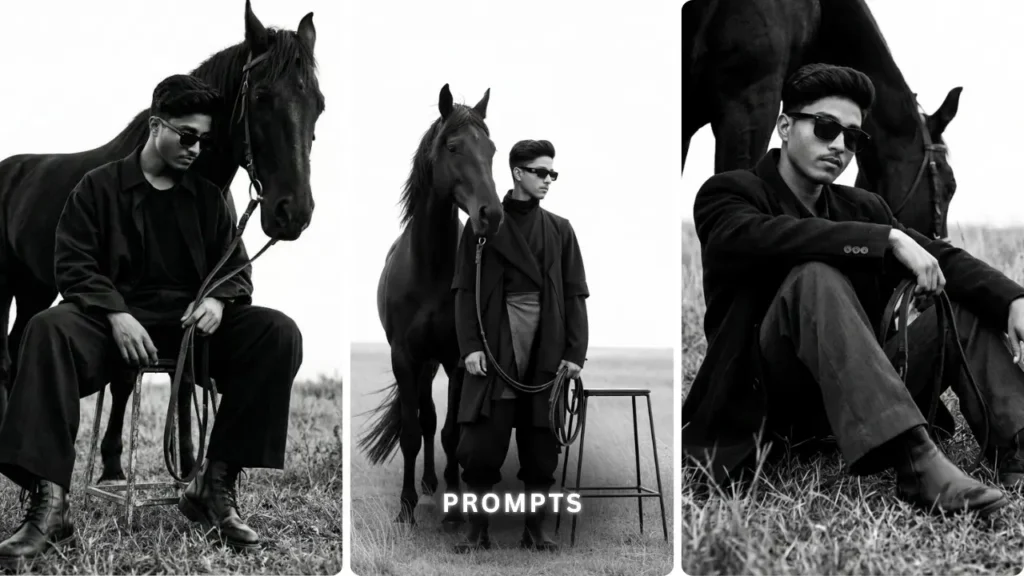
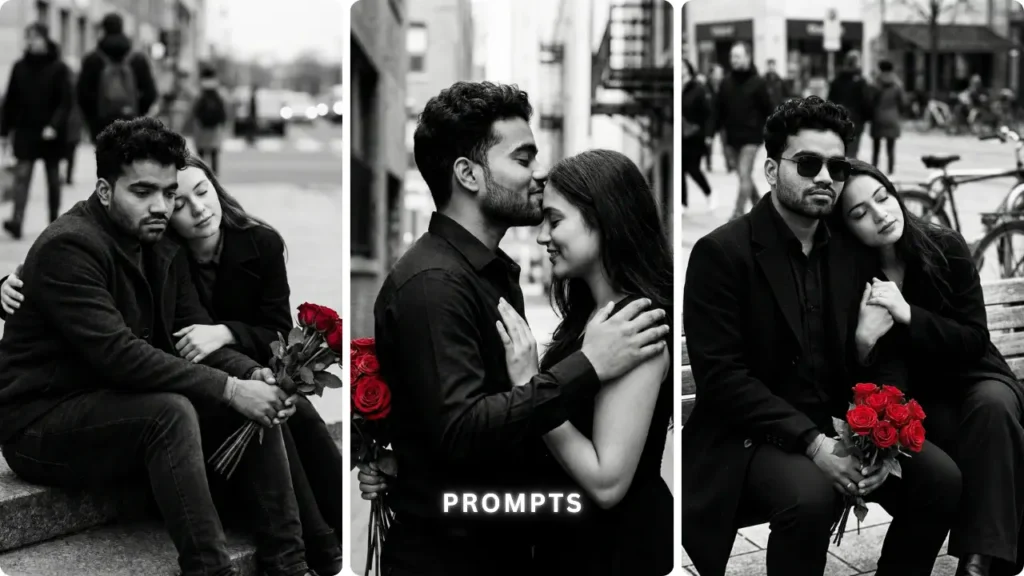
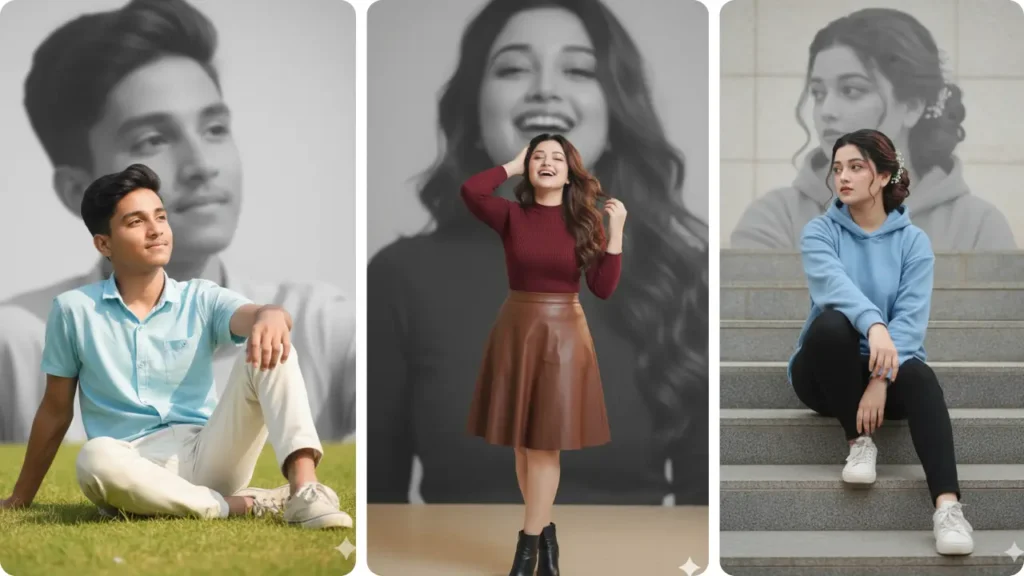
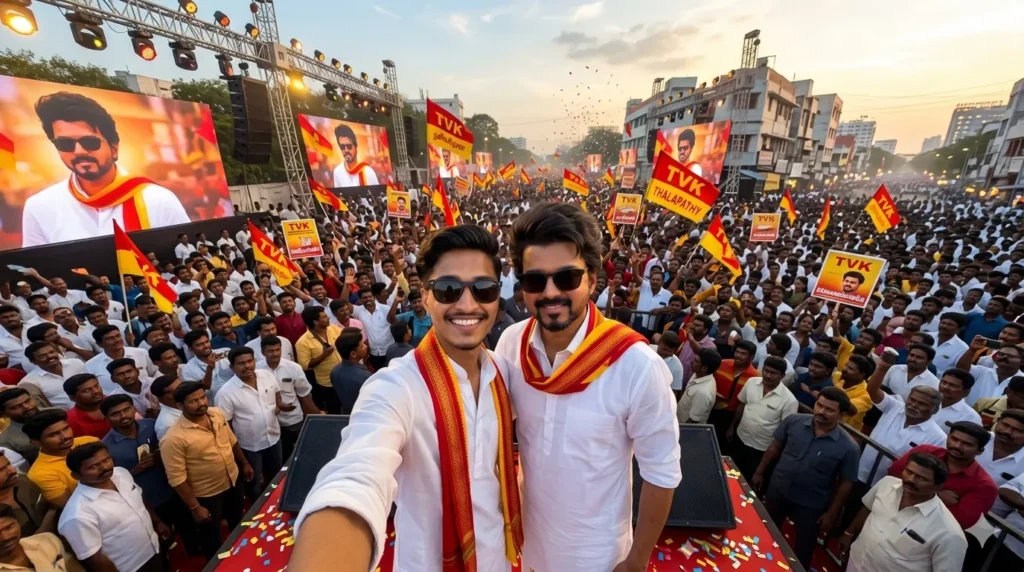
The AI photo editing trend is evolving fast — and in 2026, it’s no longer just about filters or cinematic shots. Creators are now combining skin tone analysis + infographic-style visuals to create images that look both aesthetic and informative.
From Instagram reels to Google Discover posts, this trend is blowing up because it doesn’t just look good — it actually explains your look visually.
If you’re trying to create viral AI images or level up your content game, this guide will show you exactly how skin tone colour analysis works — and how to turn it into scroll-stopping infographic-style photos using AI prompts.
What is Skin Tone Colour Analysis?
Skin tone colour analysis is the process of identifying how different colors interact with your natural complexion. It’s widely used in fashion, makeup, and now — AI-generated photography.
Difference Between Skin Tone and Undertone
Skin tone is your surface color — like fair, medium, or deep.
Undertone is deeper and more important:
- Warm (yellow, golden, peach)
- Cool (pink, red, bluish)
- Neutral (mix of both)
This undertone decides which colors make your face glow — and which ones make it look dull.
Why Colour Analysis Matters in AI Photo Editing
Modern AI tools don’t just generate faces — they simulate lighting, color balance, and realism using pixel-level data.
If your prompt aligns with correct colour theory:
- Skin looks natural
- Lighting feels realistic
- Image becomes more “professional”
But if colours clash, the image looks fake instantly.
Cloth Colour Analysis Infographic Style Prompt
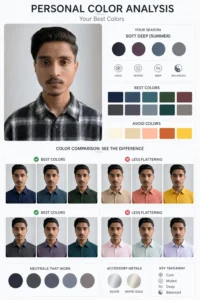
Prompt: Clothing Analysis: Create a clothing style analysis graphic using this portrait
Style analysis : Analyse the subject’s facial features, coloring, and overall appearance, then independently determine which styles suit them and which don’t. Show side-by-side comparisons with clear “works / doesn’t work” verdicts. Visual-first, short labels only, no paragraphs
Hair Style Colour Analysis Infographic Style Prompt
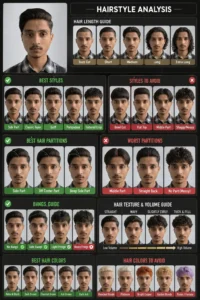
Prompt: Create a hairstyle analysis graphic using this portrait. Show side-by-side hairstyles comparisons to highlight which hairstyles suit the subject best. Make it visual-first, with short labels only and no paragraphs , with hair length guide , best and worst hair partitions, bangs guide , hair texture and volume guide , best & worst hair colour guide
Skin Tone Colour Analysis Infographic Style Prompt
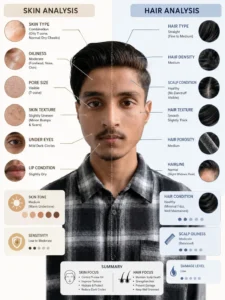
Prompt: Skin and hair analysis labels only no paragarph analysis in potrait side by side comparations to highlight. Make it visual first
Skin Tone Colour Analysis Infographic Style Prompt
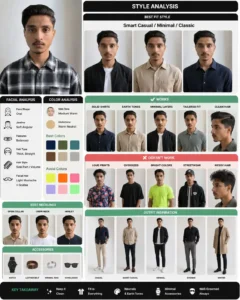
Prompt: Clothing Analysis: Create a clothing style analysis graphic using this portrait
Style analysis : Analyse the subject’s facial features, coloring, and overall appearance, then independently determine which styles suit them and which don’t. Show side-by-side comparisons with clear “works / doesn’t work” verdicts. Visual-first, short labels only, no paragraphsvisual first
How to Create Skin Tone Infographic Photos Using AI
Using Google Gemini
- Open Google Gemini
- Select image generation
- Paste prompt
- Choose high resolution
- Generate and download
Using Midjourney / Other Tools
- Use
/imaginecommand - Paste prompt
- Add
--ar 9:16for mobile format - Upscale final image
Settings for Best Results
Style: cinematic + realistic
Resolution: 4K or higher
Lighting: soft natural / studio
Final Take
AI photo editing in 2026 is not just about creating images — it’s about creating meaning inside visuals.
Skin tone colour analysis infographic style is powerful because it combines:
- Science (color theory)
- Technology (AI tools)
- Creativity (visual storytelling)
If you use the right prompts and understand undertones, you can turn a simple portrait into something that feels professional, educational, and viral-ready.